
Quick answer
Yes, partly. A FIT file shows how you ran: pace, heart rate, cadence and, with running dynamics, ground contact time and vertical oscillation. That helps you shortlist and compare shoes. It cannot tell you whether a shoe fits, feels comfortable or will prevent injury.
What a FIT file is
FIT is Garmin’s data format for fitness devices. Garmin describes it as designed for “the storing and sharing of data that originates from sport, fitness and health devices”.1 When your watch saves a run, the activity file holds its readings over time. Stryd offers a .fit download too, so Garmin and Stryd runs can be compared the same way.
The chart above sorts what matters for a shoe decision into what is in the file, what depends on your device, and what no file can answer. Tap a row to see why.
To see this with your own runs, create a Run-It account and connect your watch.
The parts that help
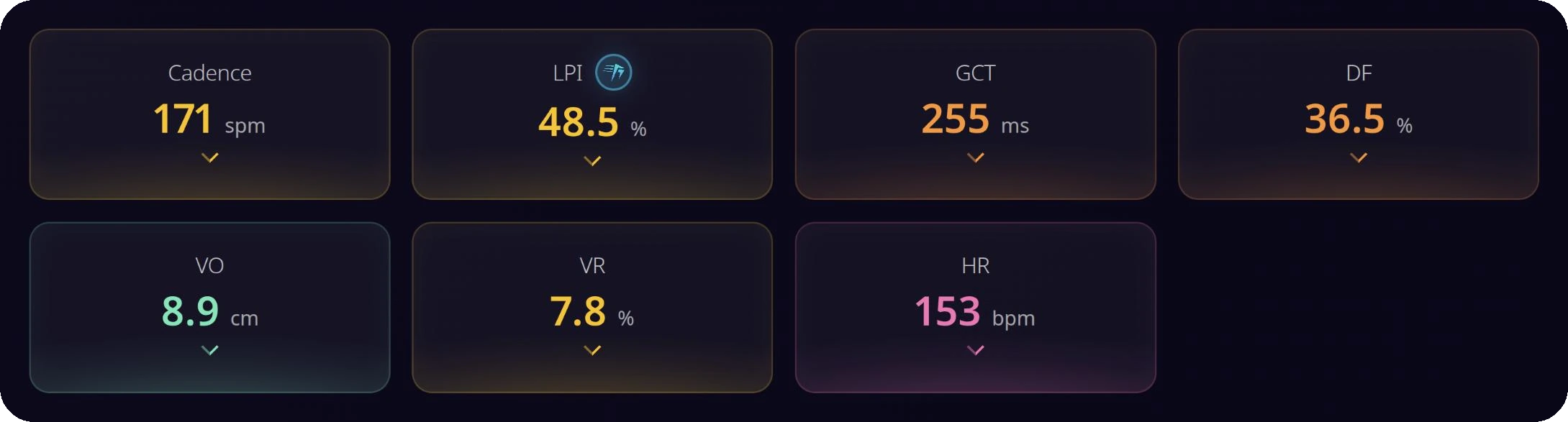
Pace comes first, because most running numbers change with speed. Heart rate at the same pace shows how hard a run was for you, and that is what makes a Shoe score possible. Cadence adds your step rate.
Running dynamics go further, with ground contact time and vertical oscillation. Garmin’s manual for the Forerunner 265 lists these as coming from the “watch or compatible accessory”, so check the manual for your own model.2 Run-It’s upload form warns that a Garmin watch missing from its sensor list “may not provide the necessary Garmin Running Dynamics data”. From these signals Run-It derives measures such as the Loading Pattern Index. Some numbers still stay out of reach: Garmin has no leg spring stiffness field.
What a FIT file cannot tell you
A FIT file holds no information about your foot or the shoe. It cannot tell you whether a shoe fits, whether it is wide enough, how it feels, how much the foam gives or what the shoe weighs. Getting the size right still happens with the shoe on your foot. It also cannot tell you whether a shoe will prevent an injury, and Run-It does not claim that either.
It does not show whether your shoes are worn out. One file is one run. For that, read the signs it is time to replace a pair.
Two ways to use the data
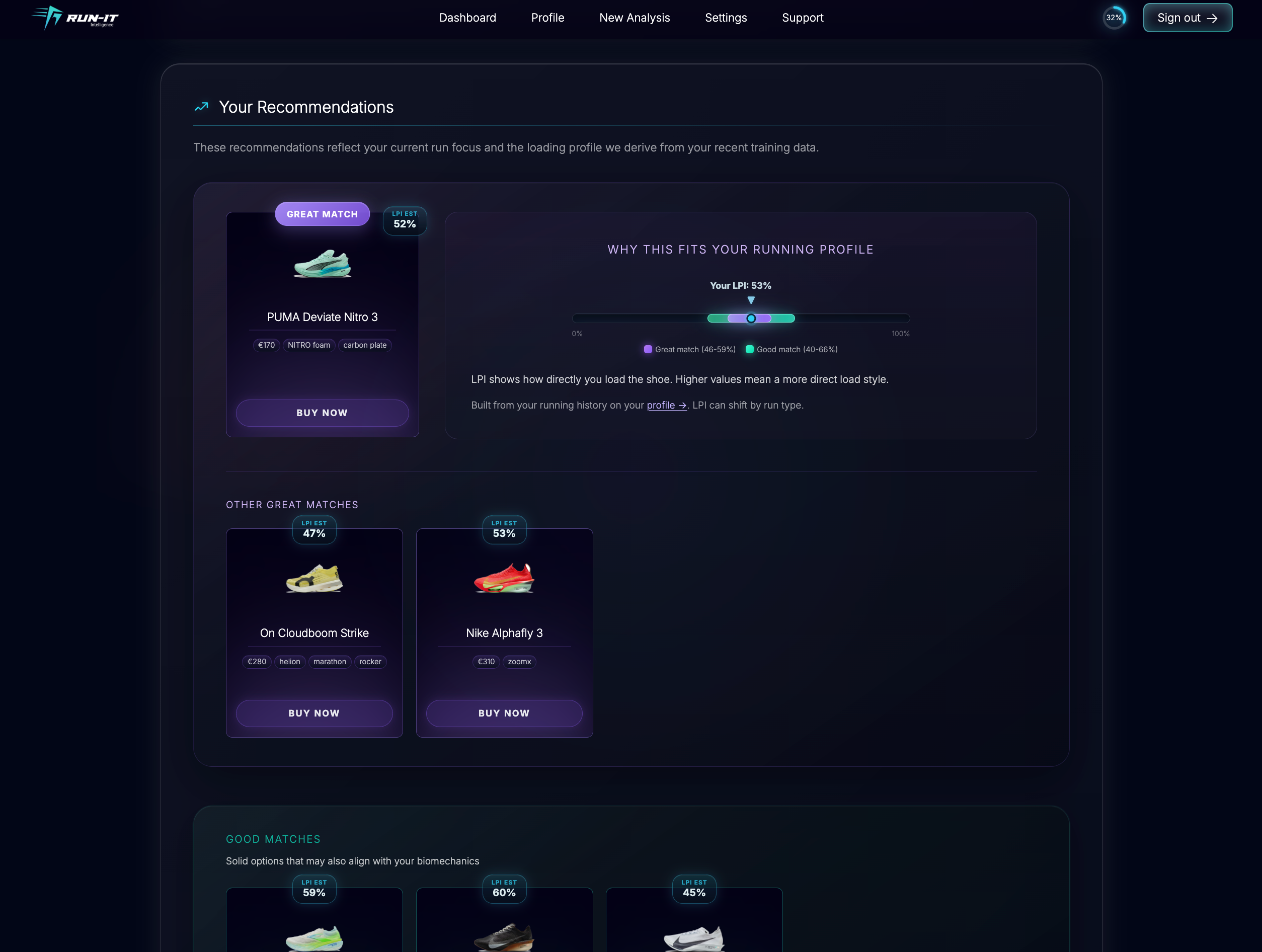
Your pace and how you load the shoe narrow the choice. Run-It asks for a normal daily run, even when you want tempo or race shoes.
Runs in different pairs can be compared at the same pace, which keeps the comparison about the shoe and not the session.
If you do not know where to start, which running shoes to buy walks through the choice. For a side-by-side view of two models, use the Run-It comparison.
How to export a .fit file
Garmin Connect: Go to connect.garmin.com in a browser, not the app, and sign in.
Find the run: Open Activities, then All Activities, and select your run.
Export it: Click the gear icon and choose “Export file”.
Unzip it: The download is a zip. The .fit file is inside.
From Stryd instead: Open the run, click the cloud icon and choose “Download .fit”.
How Run-It uses a FIT file
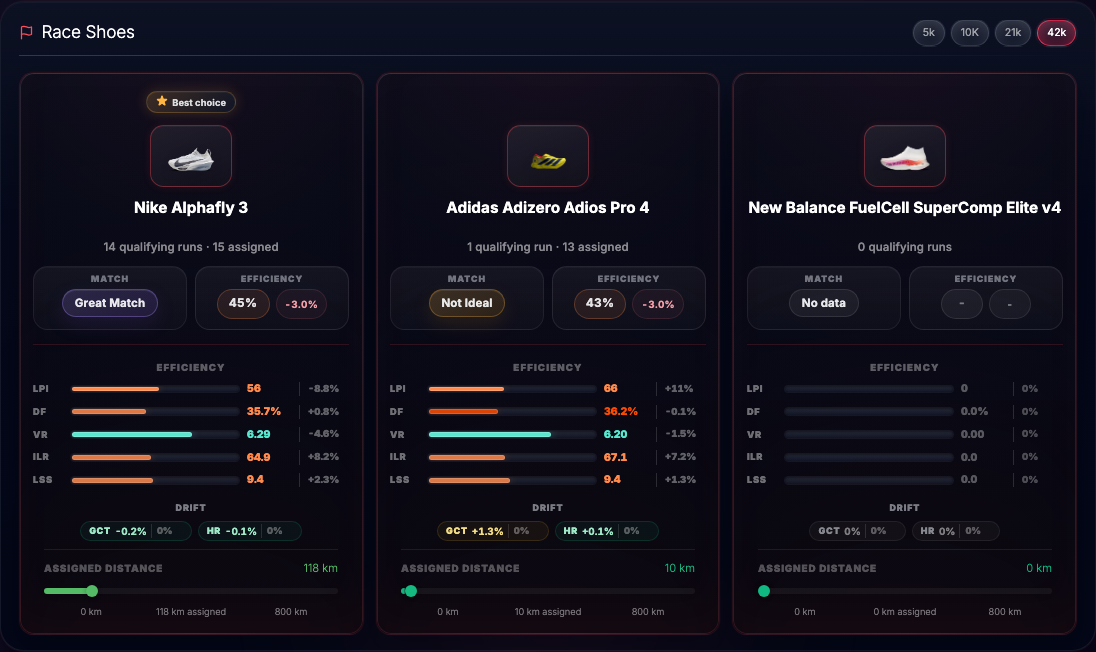
Run-It’s upload form takes a single .fit file, and you need an account to submit it. It also asks for the sensor you used, the run type, your height and weight, and the shoe you wore. In the shoe analysis, your pace and weight set your load, and your LPI only breaks ties. Shoes closest to your load come first. If you connect your watch instead of uploading, your runs arrive without the export steps.
FAQ
What is a .fit file?
FIT is a data format from Garmin for storing and sharing data from sport, fitness and health devices. An activity file holds readings such as heart rate, speed and pace from one workout.
Can my Garmin data recommend running shoes?
Your Garmin data can show how you run, which helps narrow a shortlist. It cannot tell you whether a shoe fits or feels right. Run-It uses it to match shoes to your load, and you still need to try them on.
Do I need running dynamics?
For Run-It’s shoe analysis from an uploaded file, yes. The upload form says a Garmin watch that is not in its sensor list may not provide the Garmin Running Dynamics data the analysis needs. Stryd files are accepted too.
How do I export a .fit file from Garmin Connect?
Go to connect.garmin.com in a browser, not the app. Open Activities, then All Activities, and pick your run. Click the gear icon, choose Export file, then unzip the download.
Can a FIT file show if my shoes are worn out?
No. One file records one run and holds no reading of the shoe itself. Mileage and how the pair feels are more useful signs.