
Quick answer
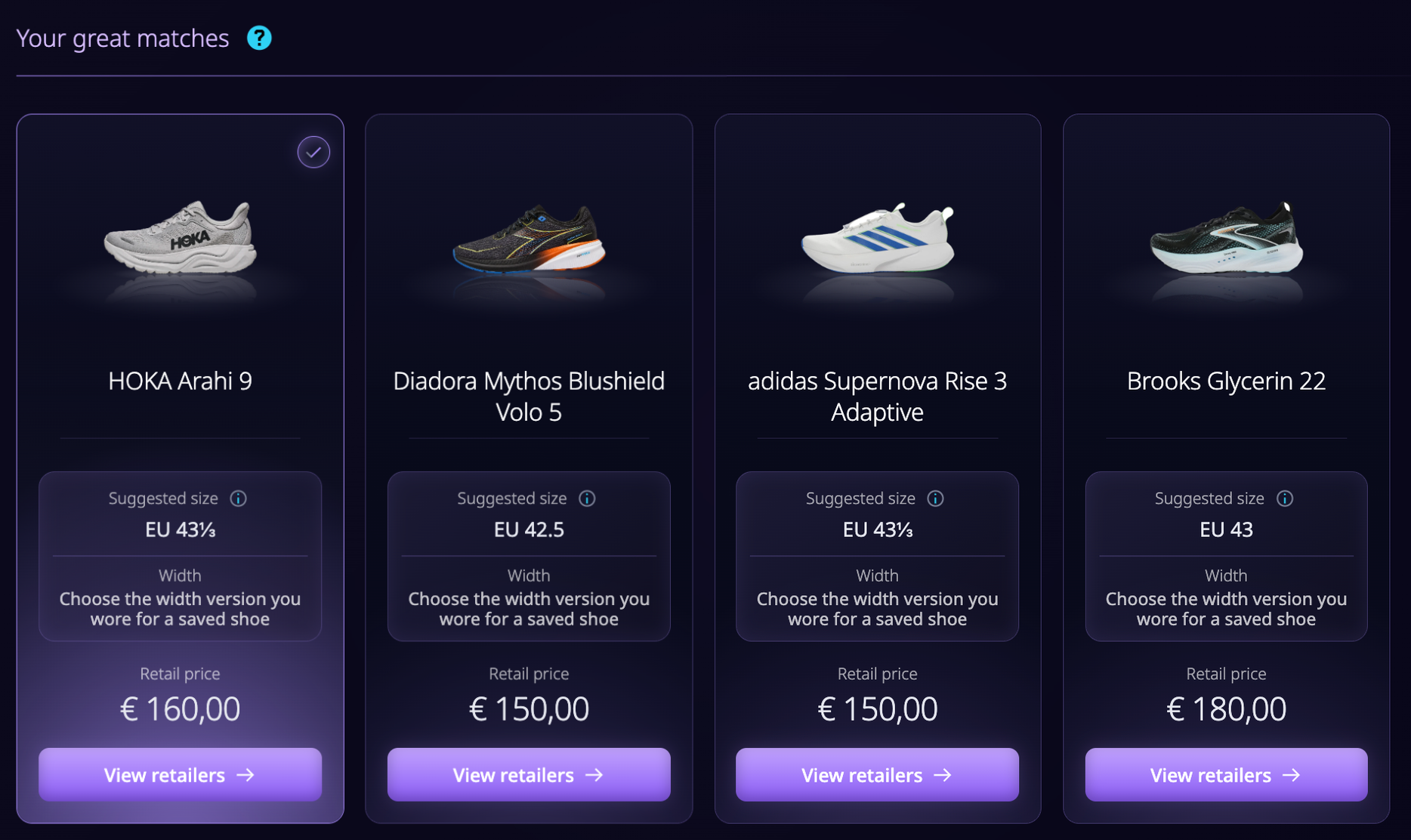
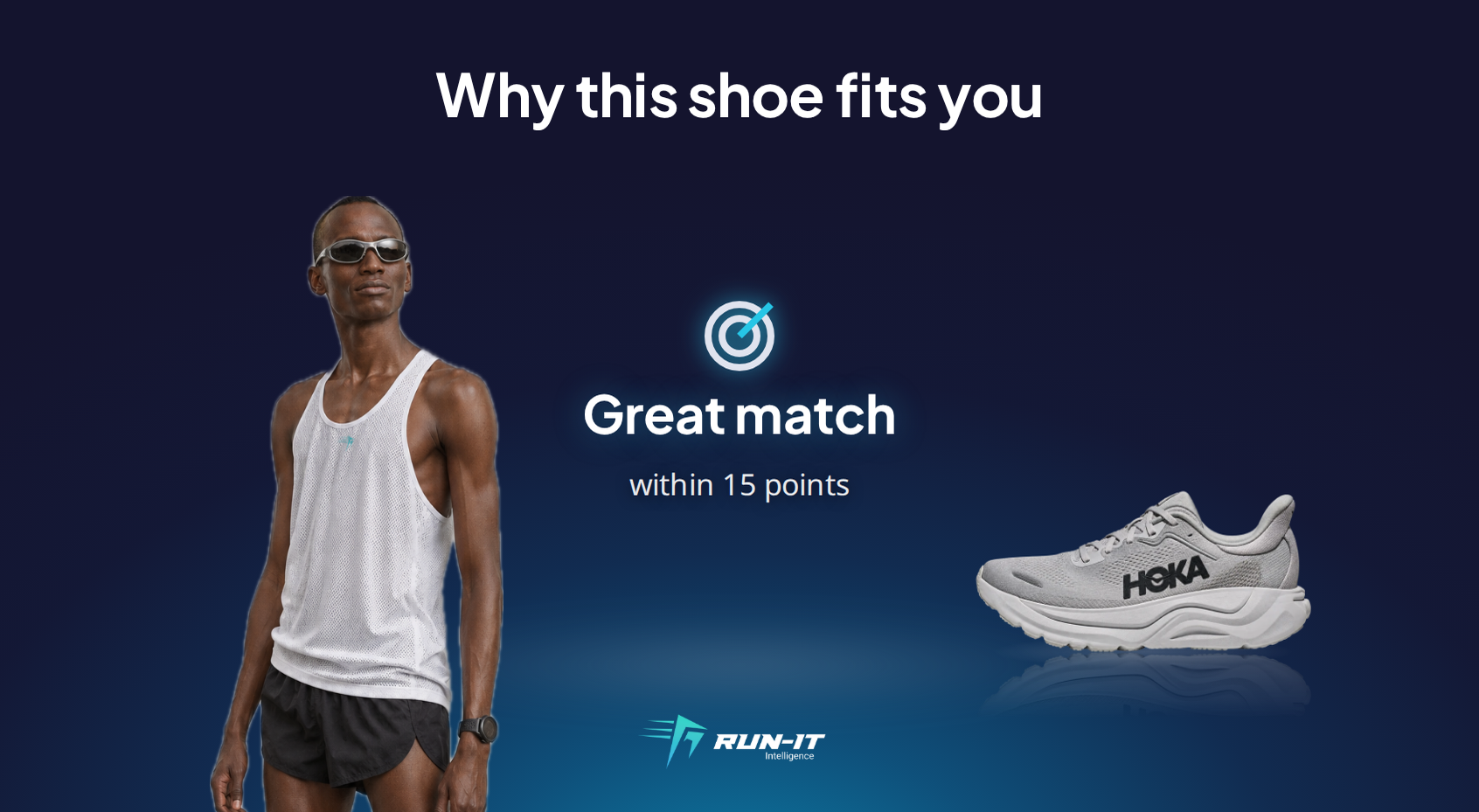
Run-It places you and every shoe of one type on the same soft-to-firm scale: your place comes from your easy pace and body weight, the shoe's place from lab measurements of its midsole hardness and bending stiffness. A shoe within 15 points of you is a Great match, within 25 points a Good match. It is a prediction of what is likely to feel right, not a guarantee: how a shoe feels on your own runs always comes first.
How a shoe match is made
Source: Run-It comfort match rule v3.2c, checked in the app's code on 23 November 2026
What "Why this fits" answers
When you open a shoe in Run-It's Shoe Analysis, a card called Why this fits your running profile explains the match. Its first line sums up the idea: "Our engine maps how you load a shoe onto the shoe's compliance." In plain words: how much you load a shoe depends on how fast and how heavy you are, and how much a shoe gives depends on how soft and how flexible it is. The match puts both on one line.
That is a different question from the one choosing between a daily trainer and a race shoe answers. That decision comes first. The match then works inside one type: it never compares a race shoe with a daily trainer. You get your matches with a free running shoe analysis from your own runs.
Want to see where you land? Connect your watch to Run-It for free and open Shoe Analysis.
One scale per shoe type
Daily, tempo and race shoes are matched separately. Each type has its own scale from 0 to 100, built from reference shoes of that type: 0 is the softest and most flexible of the type, 100 the firmest and stiffest. You get a place on each scale, so a Great match for your daily runs says nothing about your race shoe.
Where you land: your load. Your easy pace and your body weight together give your place on the scale. Run-It reads your easy pace from the runs of the source you picked, and your weight from your profile. A faster or heavier runner lands further towards the firm end.
Where the shoe lands. Two lab measurements: the hardness of the midsole and how stiff the shoe is when it bends 30 degrees. Bending counts a little less than hardness. Together they place the shoe among the reference shoes of its type.
The distance between you. The gap between your place and the shoe's place decides the tier. Nothing else does.
A shoe without both measurements gets the label No lab data yet. Run-It does not guess a position from the brand, the price or reviews. That is also the difference with what shoe review sites can tell you: a review describes the shoe, the match describes the shoe against you.
Great match, Good match, More options
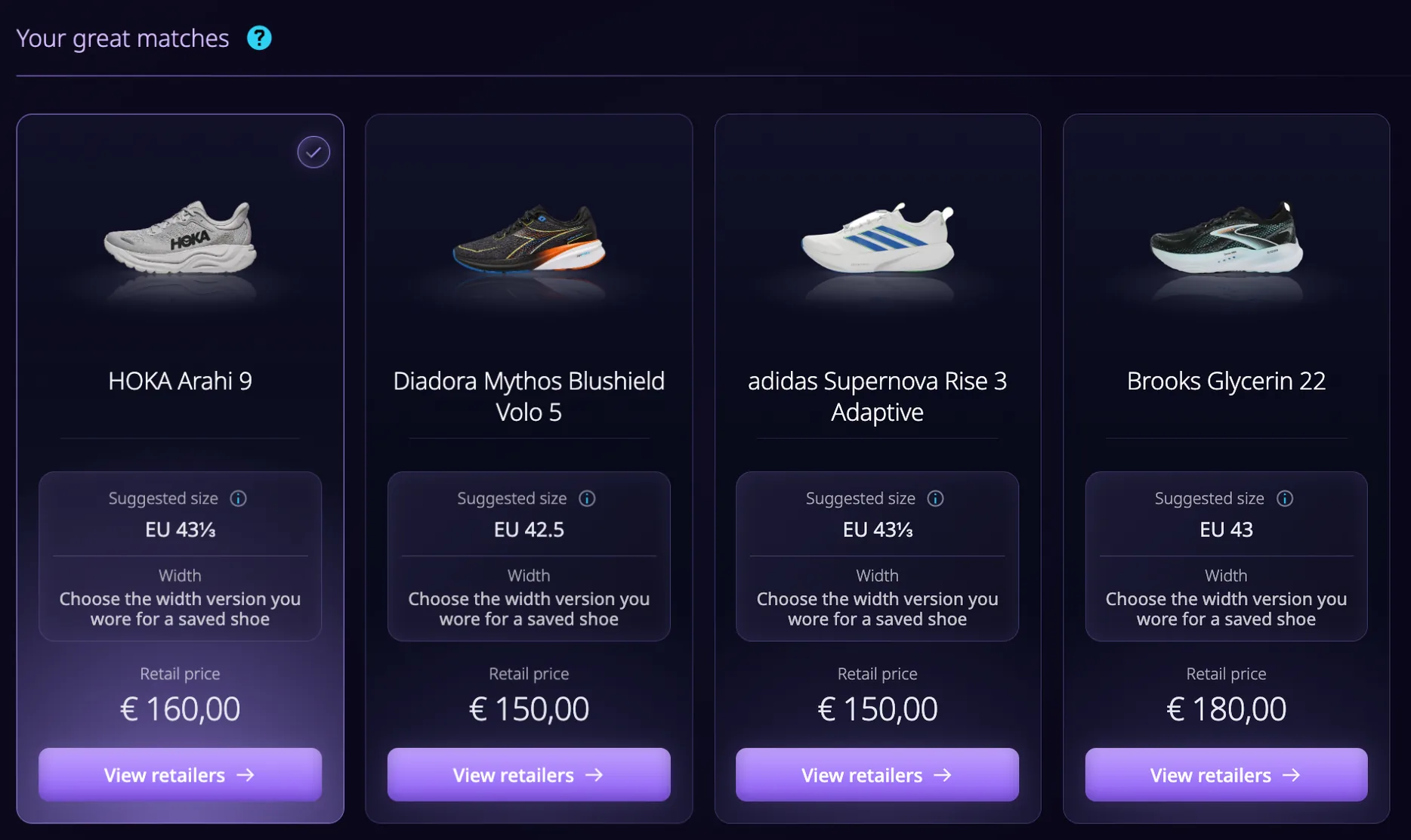
Within 15 points. The shoe sits closest to you on the soft-to-firm scale for this type of run.
Within 25 points. A little further from you, still inside your match range. Useful when you want more choice.
More than 25 points away. Outside your match range, so Run-It can't predict that it will feel right for this focus.
No tier. The shoe misses a hardness or bending measurement, so it is not placed.
The page shows your top 5 Great matches and your top 5 Good matches. Run-It Pro's Show all lifts that cap. Every shoe is a Great match for some runners: a shoe that is far from you can be right in the middle for someone with a different pace or weight. The tiers say how close a shoe is to you, not how good the shoe is.
Where LPI comes in
Your Loading Pattern Index (LPI), a 0 to 100 read of how you land, does not change your load and does not change your tiers. It orders the shoes inside a tier. First come the shoes closest to your load, the "You" marker on the card. Shoes that are equally close are then ordered by how close they sit to your pace plus your landing, and only after that by the newest model year.
Which landing counts depends on your data. With Stryd, Run-It uses the landing measured on your runs. With Garmin, Apple or Strava, it uses the LPI the page has just worked out for you.
Matches need weight, pace and LPI
Since 15 November 2026, pace alone or weight alone gives no matches. Without a weight or an LPI, Shoe Analysis shows a card such as "Add your weight", "Add your weight and height" or "No LPI yet" instead of shoes: "Your shoe matches use your weight, your pace and your LPI. Your LPI needs your height." The button takes you to your Profile.
What the match cannot tell you
The match says which shoes are likely to suit the way you load them. It does not know how a shoe fits your foot. Length and width are separate: which running shoe size to buy covers sizing, and the suggested size on each card comes from shoes you already saved. Heel drop is a separate filter too; what heel drop means in a running shoe explains it.
Feel matters most. Nigg and colleagues proposed that runners pick a comfortable shoe through their own "comfort filter". Run-It's own data points the same way: comfort was the most named reason runners gave for liking their daily trainer, 34.95% of 289 rated shoes (Run-It data, 232 runners, pulled 21 November 2026). Why runners like their daily trainer goes through all the reasons. The app says it plainly: "It is still a prediction: how a shoe feels on your own runs always comes first."
That is also why trying shoes on still has a place. Run-It compared with an in-store gait analysis lays out what each one can and cannot see.
Check the match after you buy
A match is made before you run a single kilometre in the shoe. Once you log runs in it, the shoe gets its own numbers. The Run-It Shoe score compares the shoes you own at the same pace, so you can see whether the new pair holds up against the ones you already have. For a race shoe, why runners like their race shoes shows what other runners value on race day.
Still weighing Run-It against other ways to choose? See how Run-It compares.
Does Run-It use my LPI to choose my shoes?
Not for the tiers. Your easy pace and weight decide which shoes are a Great or Good match. LPI, together with pace, only helps order shoes that are equally close to you. You still need an LPI before any matches show.
Why do I see 'Add your weight' instead of shoes?
Your shoe matches use your weight, your pace and your LPI, and your LPI needs your height. Without all of them Run-It shows no matches and tells you what to add in your Profile.
Why is a popular shoe not a Great match for me?
It sits further from you on the soft-to-firm scale for this type of run. That says nothing about the shoe in general: it can be a Great match for a runner with a different pace or weight.
Why does a shoe say 'No lab data yet'?
Run-It needs both a midsole hardness and a bending stiffness measurement to place a shoe. Without both it does not guess, so the shoe gets no tier.
Why can my daily and race matches differ?
Daily, tempo and race shoes each have their own scale, built from shoes of that type. You get a place on each one, so a match on one says nothing about the others.
Is a Great match guaranteed to feel right?
No. It is a prediction of what is likely to feel right. Fit, width and how the shoe feels on your own runs always come first.
Sources
- Nigg BM, Baltich J, Hoerzer S, Enders H. Running shoes and running injuries: mythbusting and a proposal for two new paradigms: 'preferred movement path' and 'comfort filter'. British Journal of Sports Medicine, 2015;49(20):1290-1294. Accessed 23 November 2026.
- Run-It data: why runners liked their daily trainer, rating 7/10 or higher, one unit per runner and shoe, 289 units from 232 runners, pulled 21 November 2026. Accessed 23 November 2026.
See your own matches
Run-It reads your easy pace from your Garmin, Stryd, Apple Watch or Strava runs. Add your weight and height, and Shoe Analysis shows your Great and Good matches for daily, tempo and race shoes. Start free.